Guide for homeowners and businesses
From the first photo to sign-off.
Everything you do in the app, in the order you do it.
About ten minutes to set up.
Then a photo and a line per defect.
Free for clients.
Nothing here asks you to pay.
Your photos stay private.
They are never published.
Set up
Start a project.
Create your account
Download the app or open defects.sg, and sign in. Use an email you actually read. It is where we tell you when your list changes.
Tap Start project
Pick Key collection for a new flat at handover, or Renovation for work by your renovator. Then add the address.
Fill in the basics
Your key collection date, or when the work starts. Then roughly how big the job is, the kind of property, and the work being done. Each kind of work becomes a folder for your photos.
Check the dates against your handover pack
Your handover pack is the one to trust. If a date differs, correct it here.
Who is on it
Add your renovator, or a checker.
Send your renovator a code
Tap Add my renovator, then Send the code. Send it on WhatsApp, or copy the message.
Let them in
Your renovator needs a defects.sg account to use the code. When they open it, they ask to join, and you let them in from your project.
Not on defects.sg yet?
Most firms aren’t yet. The message tells them how to register. A new firm applies first, and we check it. You can only let in a renovator whose firm we have approved.
Want a checker to walk the flat?
Appoint one and they can log defects for you. They can’t send your list, accept a fix or delete anything you wrote. Their access ends on the date you set.
Keys only? You need nobody else
A key collection list doesn’t wait on anyone. It is yours from the moment you start it.
A renovation list needs its renovator within 14 days
Your renovator should see defects as they come, not weeks later. So a renovation project with no renovator gets 14 days of full use, then goes read-only. You can still read and share everything. It opens again, as you left it, when your renovator joins. If nobody joins, the list is removed 30 days later, and we email you first.
Log and send
Snap it, then send it.
A photo, a room, one line
That is the whole form. The first time you open the camera, your phone asks for permission. We ask only then.
Agreed it can wait?
Each defect starts as Needs attention now. If you’ve agreed with your renovator it can wait until later in the works, turn that off as you add it, or on the defect before it’s fixed.
Take your time
Nothing leaves your phone until you send it. Photos are saved as you take them, so closing the app loses nothing. Add to the list all week.
Tap Send
The whole list goes over in one go, sorted by trade. It arrives as a checklist, not a complaint.
Turn on notifications when asked
We ask as you send, because that is when you’ll want to know. It is how you hear that a fix is waiting.
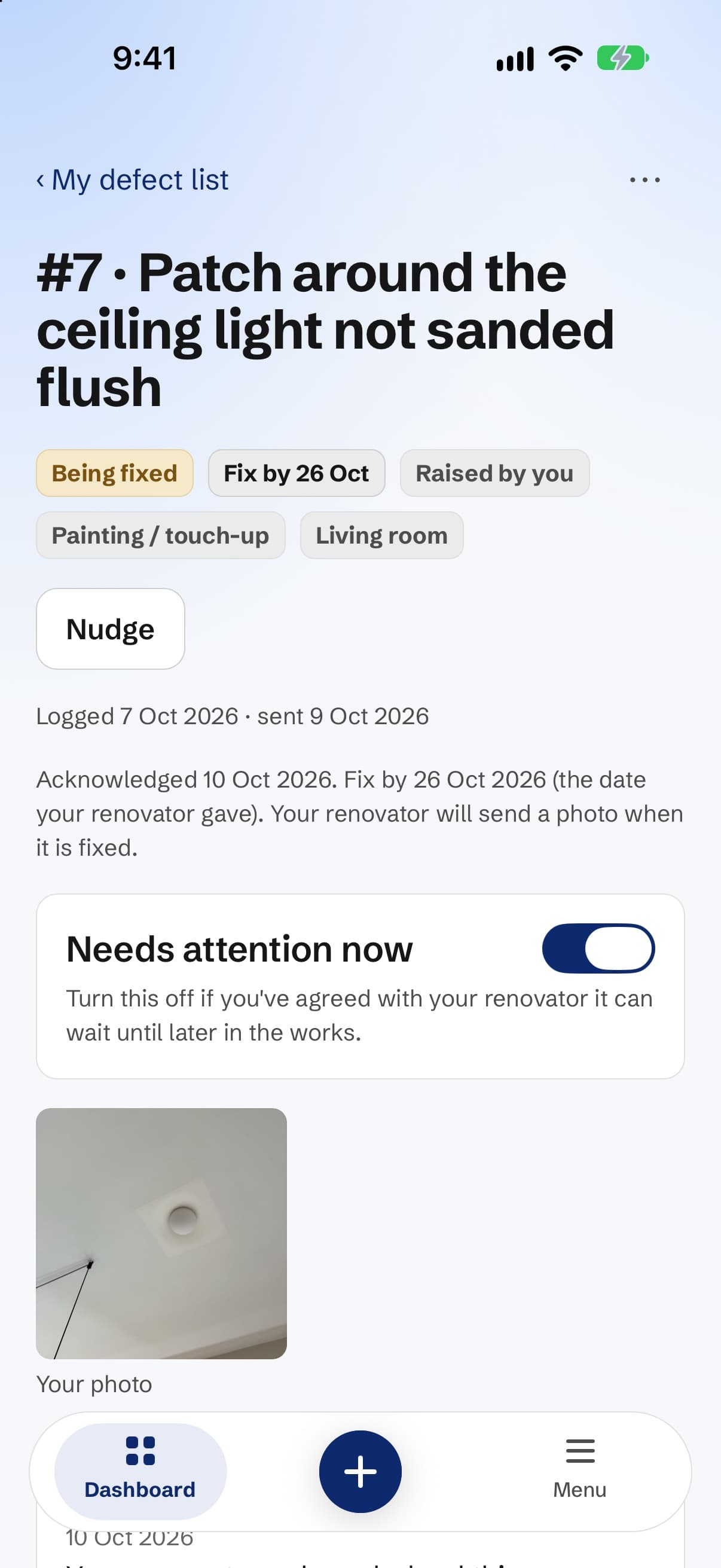
Check each fix
You decide what counts as fixed.
They acknowledge the list
Your renovator confirms they have seen each defect, and can give a date to fix it by. You can see when they did.
A photo comes back for each fix
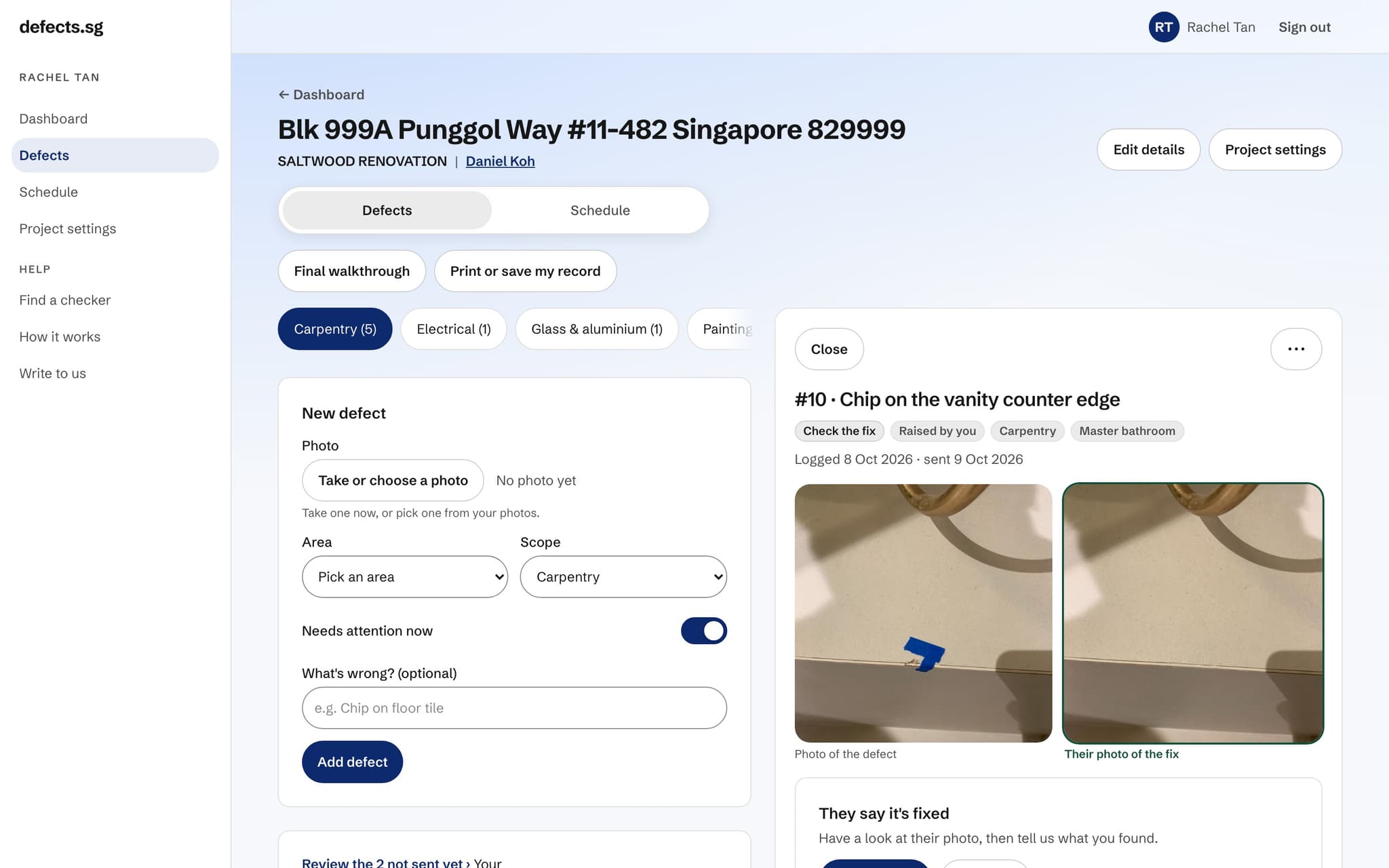
Nothing is marked fixed without one. Open the defect to compare their photo with yours.
Yes, it’s fixed. Or: Not fixed.
If it isn’t fixed, tap Not fixed and say what is still wrong. It goes back to them with your note. A fix you don’t answer within 30 days counts as accepted; we remind you first.
Or settle it
Agreed to live with something, or they took something off the bill? Tap Settle. It is an ending too, and it counts as resolved.
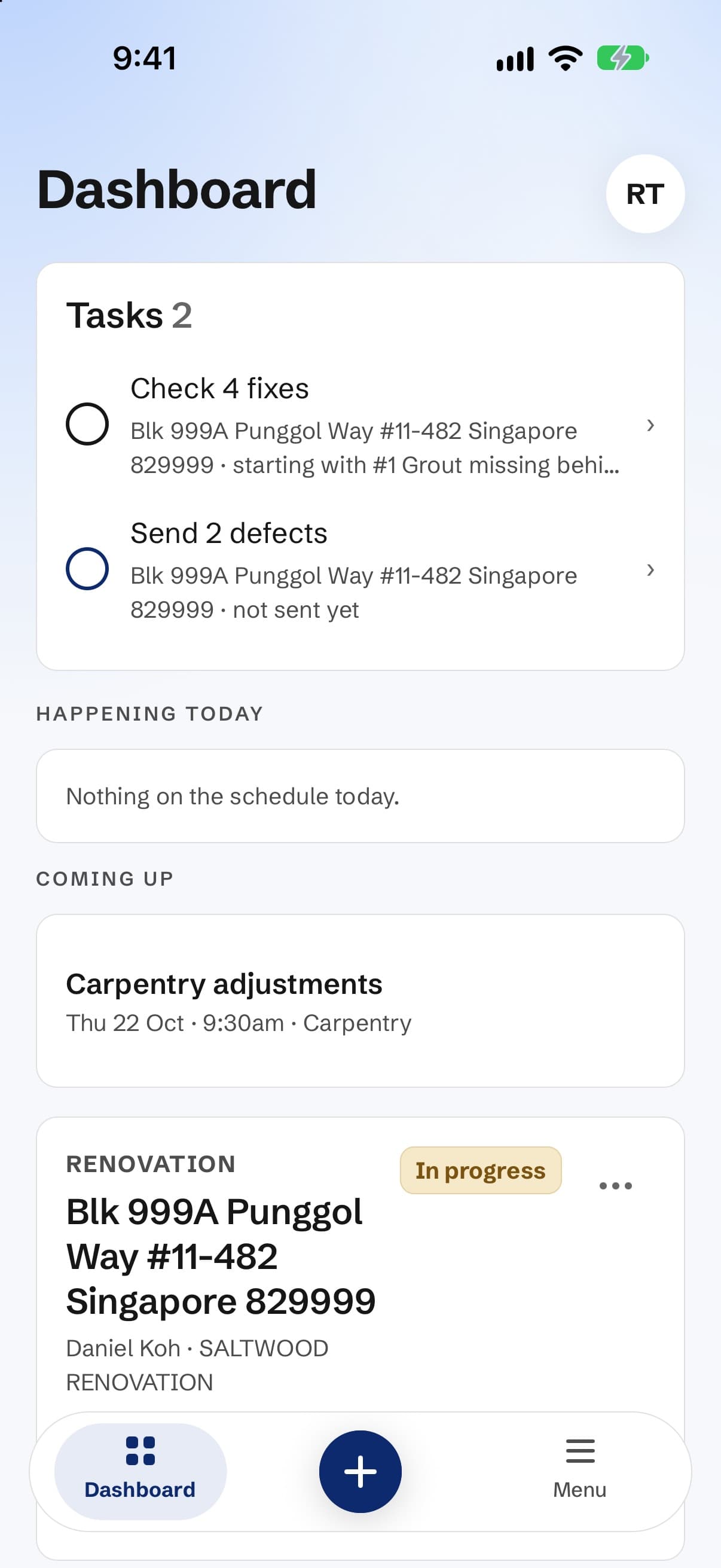
Finish
Close it, and keep the record.
Sign off
When you’re done, sign off. We email you a code to confirm it’s you. The record shows the date, and which defects were still open then.
Still working through it?
A project that goes quiet for 60 days closes itself. Still going? Tap Still ongoing for 30 more days. You can do this three times.
Your record
Every defect, photo and date in one document you can print or share. A renovation record stays in your account, even if you change renovator.
Your photos stay private
Only you and the people working on your project see them. They are never published.
Stuck? Ask us.
Something in the app doesn’t match this guide, or you can’t find a button? Write to us. A person reads every message.